Built on published safe-sleep guidance
Dress your baby with confidence.
Know what your baby should wear for tonight’s room, today’s walk, and every nap in between. Close the nursery door calm.
- Sleep
- Naps
- In arms
- Stroller
- Carrier
- Car seat
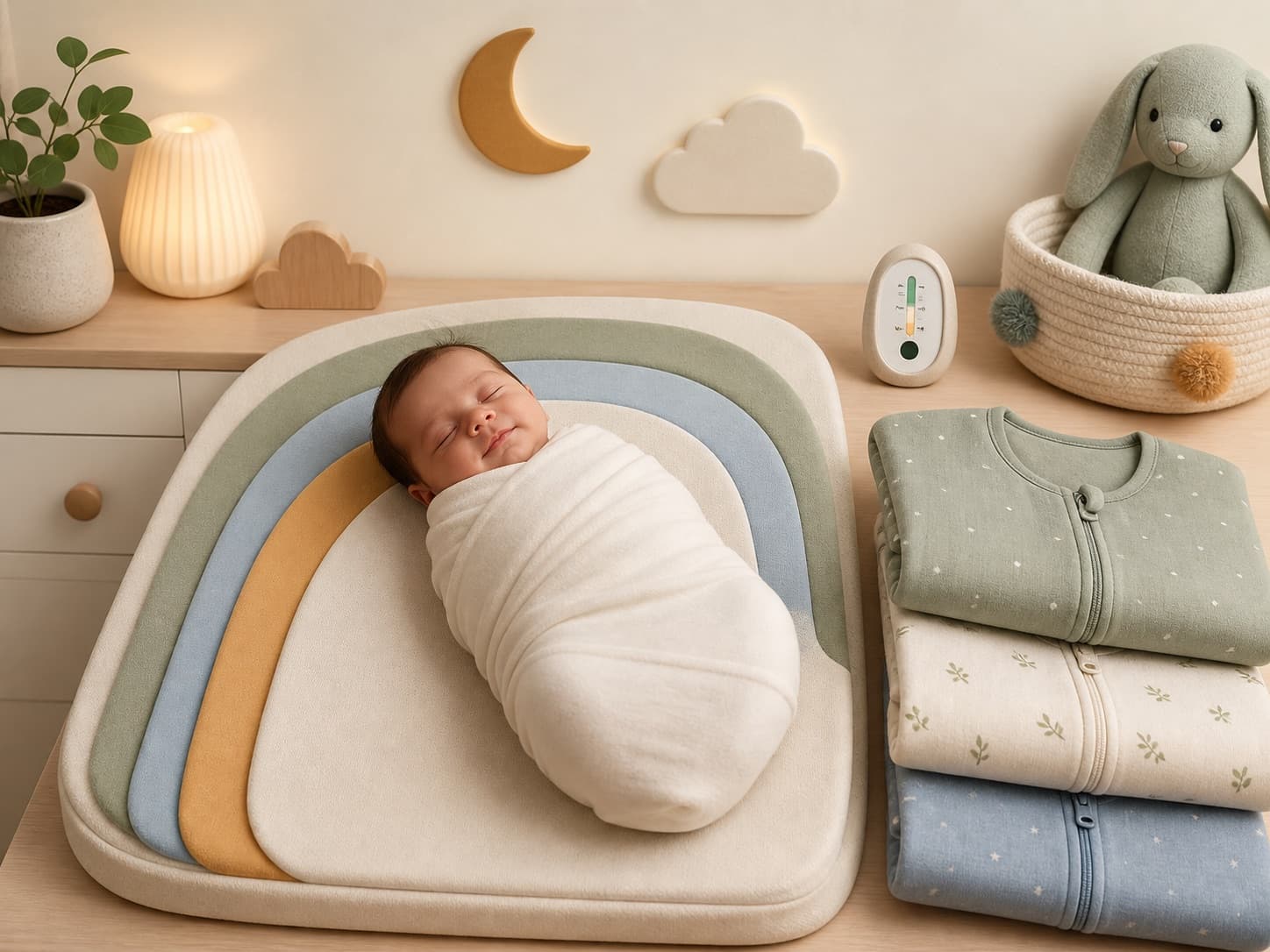
A short-sleeved cotton vest under a 1.0 TOG sleeping bag
BaseShort-sleeved cotton vest
Bag1.0 TOG sleeping bag
Know, don’t guess
Room is 24° tonight? You’ll know it’s the light sack with a short-sleeve bodysuit and nothing else.
It learns your baby
Say whether they run warm or cool, then check in. When the same answer repeats at a similar temperature, the starting layers move one step.
Every situation
Sleep, naps, in arms, stroller, carrier, and car seat: one calm answer for each, in one glance.
Try it here
Set the room. See the answer.
A simplified version of the app’s Home card. Pick sleep or going out, nudge the temperature, then do a pretend check-in, the same three taps you do at 2am.
Room temperature
22°CComfortable
Tonight · 3–12 mo
1.0 TOGA short-sleeved cotton vest under a 1.0 TOG sleeping bag
- BaseShort-sleeved cotton vest
- Bag1.0 TOG sleeping bag
- SkipNo hat and no extra blankets
The dressing check-in
Ten minutes after they settle. Ten seconds to log.
Feel the chest, tap how it felt. When the same answer keeps coming back at a similar temperature, TinyLayers moves the starting layers one step.
1Dress from the plan
Tonight’s plan
- Short-sleeved cotton vest
- 1.0 TOG sleeping bag
Wore something different? Swap a chip and the check-in logs what was really on.
2Feel the chest
- Cool
- Comfortable
- Warm
Chest or back of the neck, never hands or feet. Cool hands are normal.
3It adjusts on a pattern
Running warm
Warm again and again
Next time at 22°C
One base layer lighter, same TOG
One check-in never changes the plan. Repeated answers at a similar room temperature move it one step, never more.
How it works
One practical question. A calm answer in three steps.
TinyLayers is a baby outfit guide for real nights and real outings, built for tired parents who need plain English, not another chart to memorise.
01
Choose the situation
Sleep, or outside in arms, in the stroller, in a carrier, or in the car seat: pick the moment you are dressing for.
02
Add age and temperature
Room temperature for sleep and naps. Local weather, or a temperature you type, for outings. Age shapes the notes.
03
Get a calm answer
Plain-English layers first, TOG as a helper second. Then confirm with the chest check after settling.
Six situations
Guidance for the moments that keep you guessing.
Sleep
Room temperature in, plain-English layers and TOG out, so you can close the nursery door calm.
Naps
Daytime settles need the same care as night. The sleep card covers naps: set the room they nap in.
In arms
Outdoor weather for walks and errands in your arms, without using the forecast to guess how warm the nursery is.
Stroller
Layering for fresh-air rides: warm enough outside, without overheating under blankets or a draped cover.
Carrier
Close-contact warmth is different. TinyLayers accounts for shared body heat when baby is on you.
Car seat
Safer dressing for the ride, including why bulky coats and harnesses do not mix.
The TinyLayers guide
Calm answers for the questions parents google at 2am.
- Weather5 min read
How many layers should a baby wear? A guide by temperature
How many layers a baby should wear indoors, outside, at night and in hot weather, with the NHS one-extra-layer rule and a simple temperature guide.
Read the guide → - Sleep4 min read
Feel your baby's neck to check their temperature: how and why
How to feel your baby's neck or chest to tell if they are too hot or too cold, why cold hands are normal, and when to use a thermometer instead.
Read the guide → - Going out4 min read
What should my baby wear in a car seat? Coats, layers and blankets
What your baby should wear in a car seat, why puffy coats and snowsuits go over the harness not under it, the pinch test, and how to avoid overheating.
Read the guide →
TinyLayers is built on common TOG sleepwear guidance and safe-sleep recommendations from trusted public health sources, including AAP guidance. It provides general dressing guidance only and does not replace medical advice.
TOG ratings explained →FAQ
Questions parents ask
Can’t find yours? Email us and a real person will reply.
What does TinyLayers actually do?
You tell it the room temperature or the outdoor conditions, your baby’s age, and the situation. It returns one plain-English outfit, layers first with TOG as a helper, plus the chest check that confirms it.
Is TinyLayers free?
TinyLayers is free to download, and setup shows your baby’s first sleep plan before you pay. Then choose Premium: monthly, cancel anytime, or a one-time lifetime unlock, yours for good with no subscription. Premium includes unlimited check-ins, guidance that learns, your full check-in history, unlimited children, Apple Watch and widgets, sync across phones, and your room temperature, remembered. You create an account with Apple, Google or an email code after you choose a plan.
What is TOG?
TOG measures how much warmth a sleep sack traps. 0.5 is summer-light, 1.0 is the everyday middle, 2.5 is for cool rooms, and it never goes above 3.5. TinyLayers gives you layers first and treats TOG as the label on the sack you already own.
What ages is it for?
Newborn to 2 years and up, in five age bands. Age changes the notes rather than the TOG: swaddling advice, sun protection under six months, and garment tips differ by stage, while no hats indoors and no loose blankets apply at every age.
Does it track my location?
Only if you allow location access, and only coarse location to fetch outdoor weather. You can type the outdoor temperature instead, and sleep guidance never uses location: it runs on the room temperature you give it.
Is this medical advice?
No. TinyLayers gives general dressing guidance built on published safe-sleep recommendations. Always check with your health visitor or paediatrician for your child’s specific needs.
Close the nursery door calm tonight.
Plain-English outfit guidance for sleep, naps and every outing. Monthly, cancel anytime, or a one-time lifetime unlock, yours for good.

Scan with your iPhone camera, or
Download on theApp Store